Photo scan: a printable 3D model from your photos
Walk around an object with your phone and drop 20 to 100 photos: photogrammetry rebuilds its shape as a closed, watertight STL at real size, ready to slice or to split for your printer.
How to shoot
- 40 to 60 sharp photos, the whole object in frame.
- Walk around it in 2 or 3 rings at different heights (low, middle, high).
- Small steps: each photo shares 60 to 80 % of the previous view.
- Soft, even light; no flash, no motion blur.
- Matte, textured objects work best; avoid shiny, transparent or plain white surfaces.
- Put the object on a textured surface (a newspaper), not on a plain white table.
The scan engine is offline for a moment. Try again later.
No size was given: the model has arbitrary units. Set its real height in the splitter or the STL converter before printing.
My scans
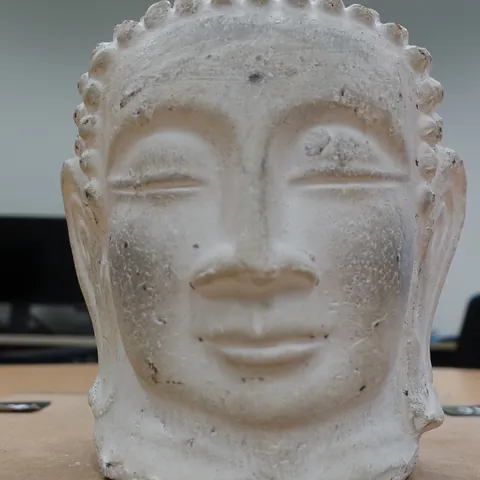
Example: a Buddha head from 40 photos
40 photos taken around a plaster Buddha head on a table: the scan found the table, cut it away, turned the head upright and closed it into a watertight 150 mm STL in a little over 3 minutes.
One of the 40 photos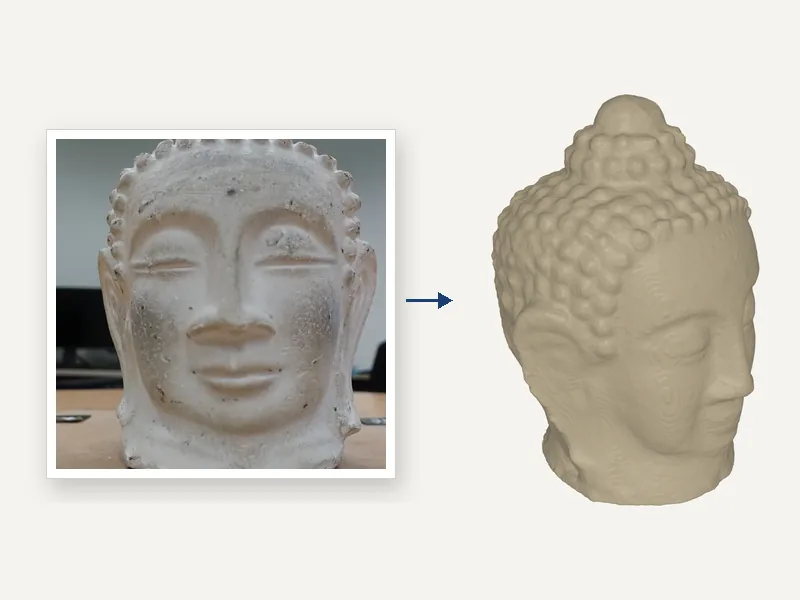 The watertight STL (31 photos placed)
Photos: Buddha dataset by AliceVision, CC BY 4.0. 3D model computed by SplitSTL.
Go SplitSTL Pro
Every tool option, unlimited exports and 10 AI credits a month. No commitment, cancel in one click. No ads, no selling your data.
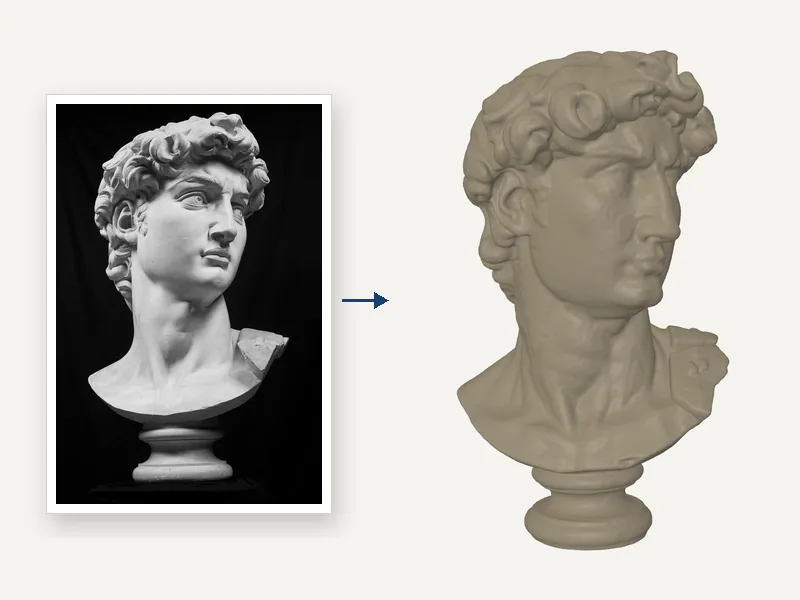 Image to 3DOne photograph of an object becomes a watertight 3D model (TRELLIS.2, MIT licence).
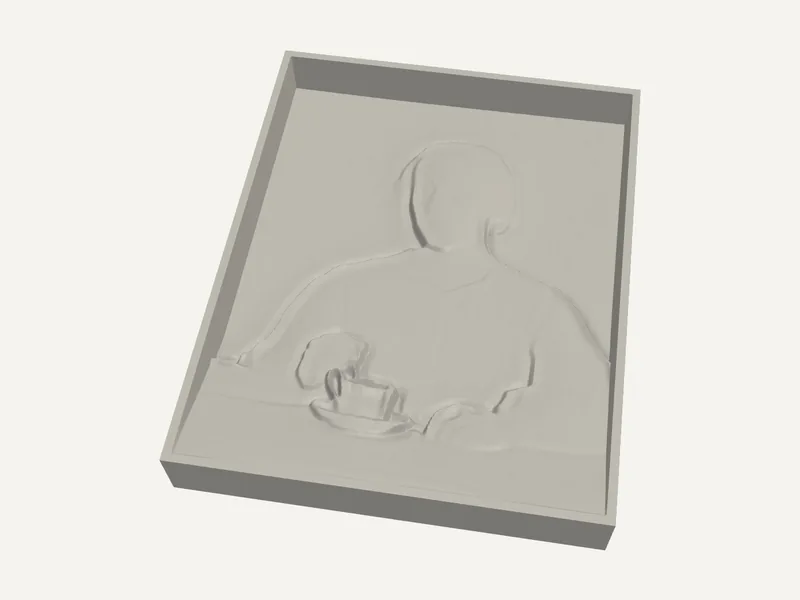 Photo reliefA photo becomes a bas-relief, computed in your browser.
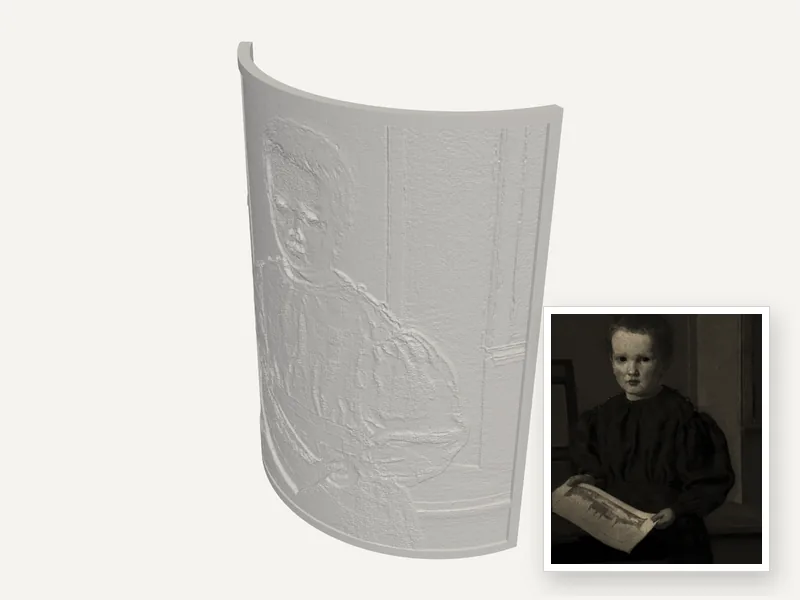 LithophaneA photo becomes a backlit lithophane: flat, curved or cylinder.
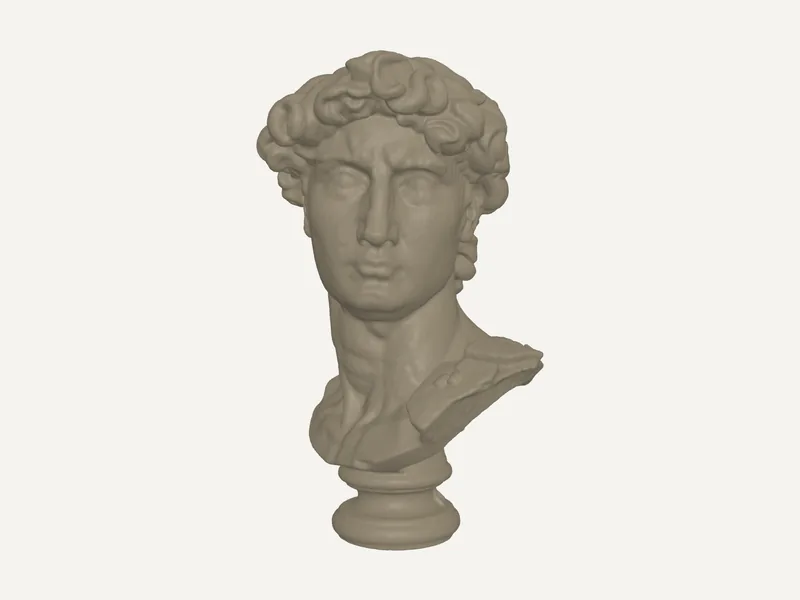 Text to 3D (AI)A written description becomes a 3D model: hypotheses for lost or fragmentary objects.
How it works
- Take 40 to 60 sharp photos all around the object, in two or three rings at different heights.
- Drop them here, give the real height if you know it and start the scan (a few minutes on our GPU).
- Download the watertight STL, or send it straight to the splitter if it is bigger than your printer.
FAQ
How many photos do I need, and how do I take them?
Between 20 and 100; 40 to 60 is ideal. Walk around the object in two or three rings (low, middle, high) so that each photo shares 60 to 80 % of its view with the next. Keep the whole object in frame, avoid motion blur and use soft, even light.
Which objects scan well?
Matte, textured objects: stone, wood, plaster, ceramics, sculptures, shoes, rocks. Shiny, transparent or plain white objects give the algorithm nothing to match; a light coat of matte spray or talc helps. Put the object on a textured surface such as a newspaper, not on a plain white table.
Is the model at real size?
Photos alone have no scale. Measure the object once and enter its height (or its longest side) in mm: the scan is scaled to it. Without a size, you can still set it later in the splitter.
What does it cost?
Your first scan is free. After that a scan costs 3 credits, from a credit pack or from the 10 credits included every month with SplitSTL Pro. A scan that fails costs nothing.
What happens to my photos?
They are resized in your browser, used for your scan only and deleted from our server as soon as it ends. The resulting model stays downloadable in your account for 7 days, then it is deleted too.
The scan failed or looks wrong: what should I do?
Most of the time the photos don’t overlap enough or the surface has too little texture. Take more photos with smaller steps between them, add a textured background and avoid reflections. If the object is glued to its base, tick “Keep the base”.